

All side quests

Side quest 02 · Started
Inspired by Splitwise

UnSplit

Shared costs, settled without the spreadsheet.

Split expenses with friends, flatmates and travel groups. Every split method, receipt scanning, currency conversion, charts and exports, all free. No daily limits, no ads.

expenses a day (Splitwise free: 4)
∞
ways to split a bill
7
to itemize a whole receipt
1 photo

Take the tour

Inside UnSplit

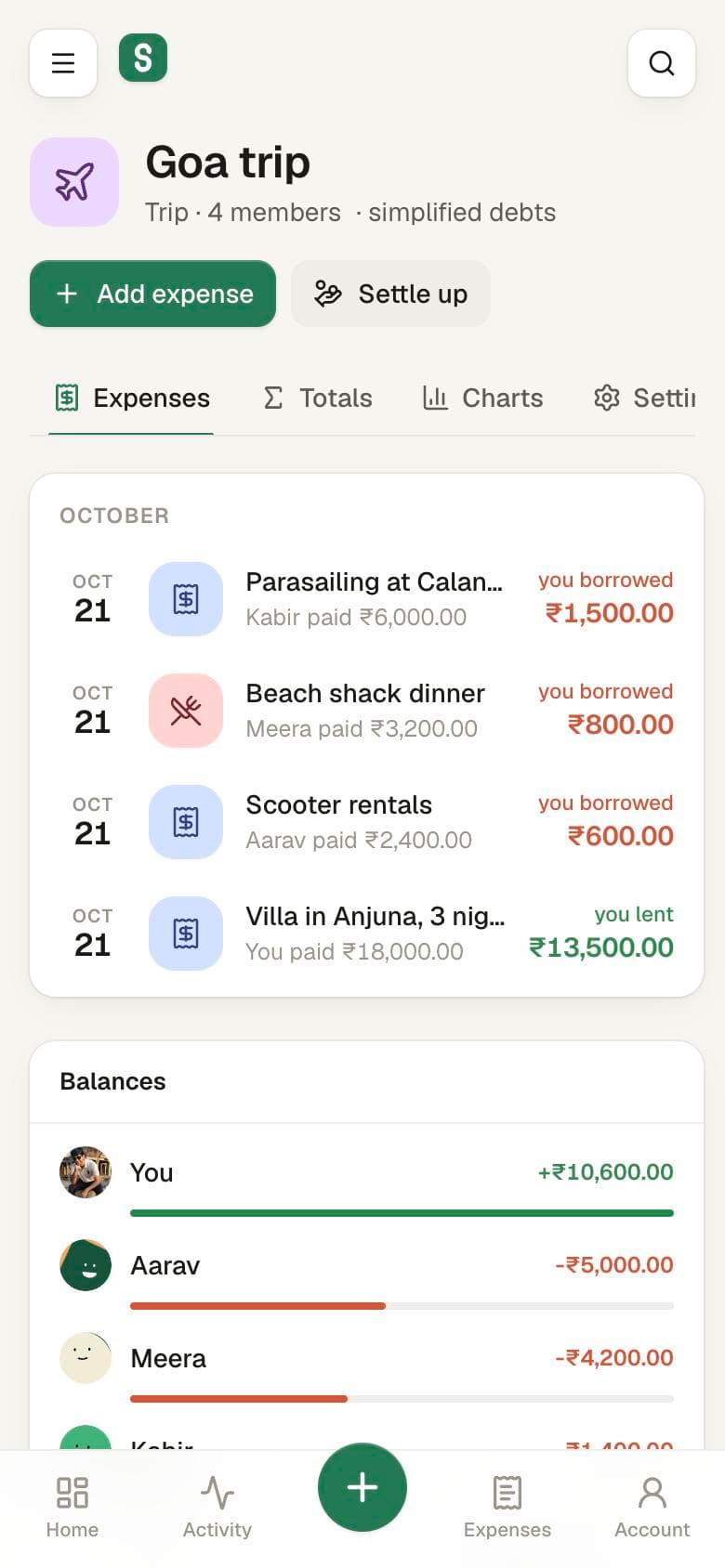
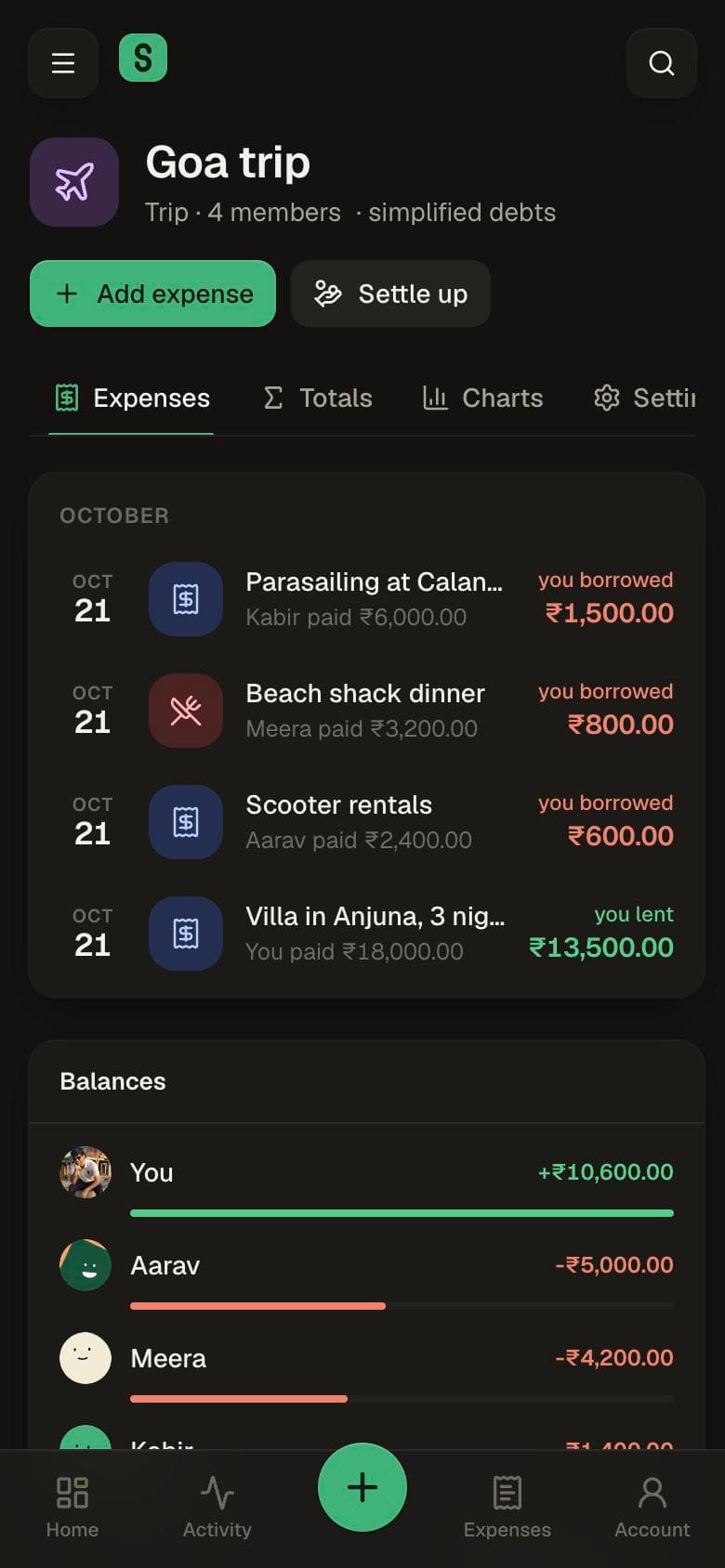
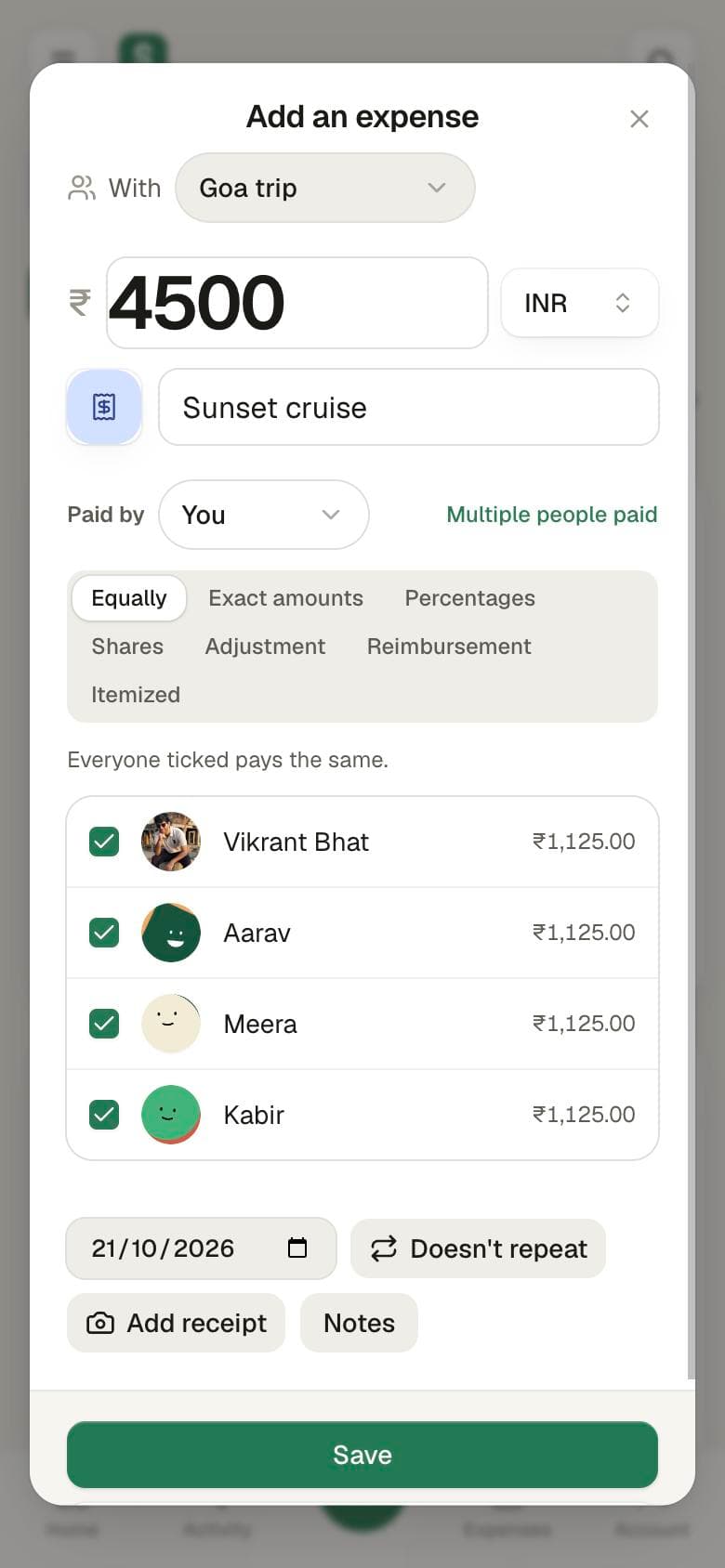
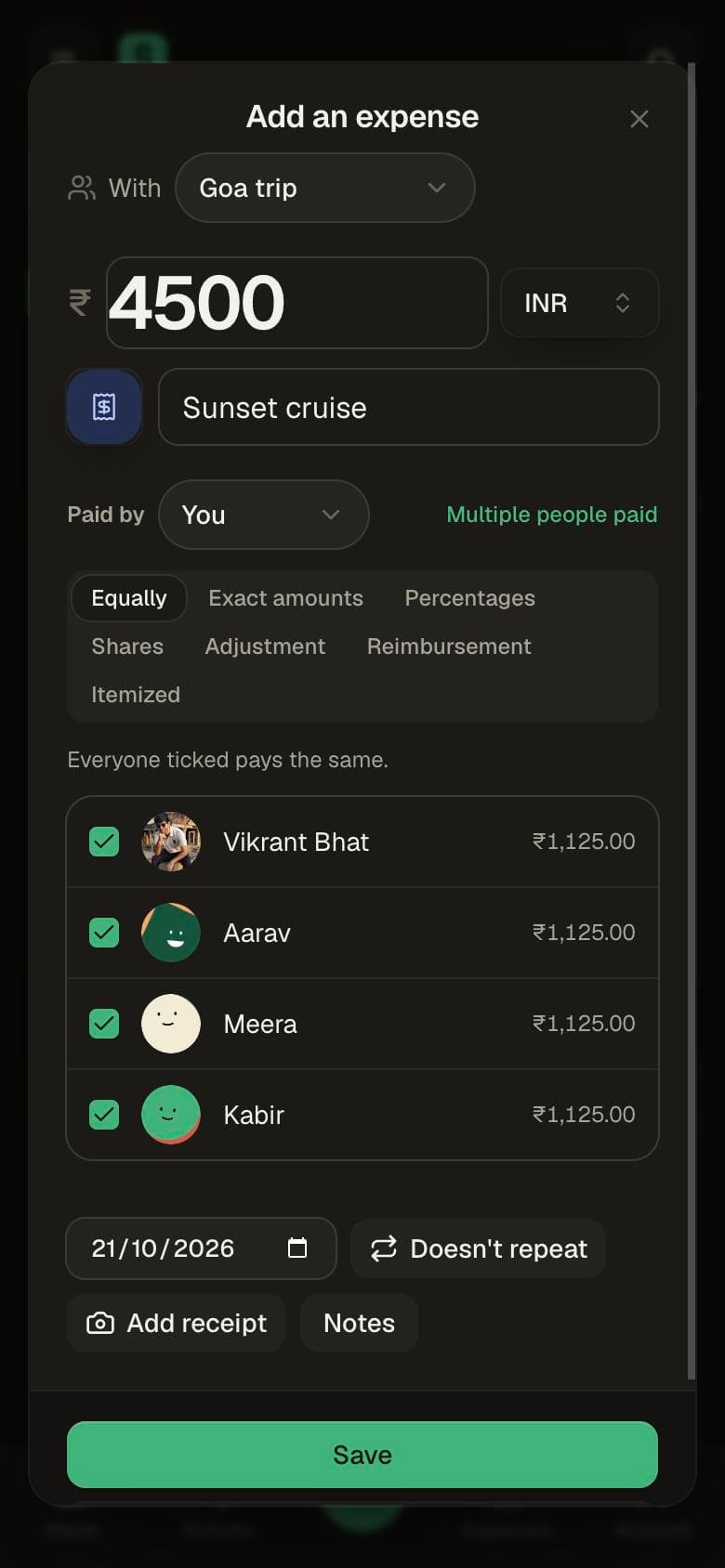
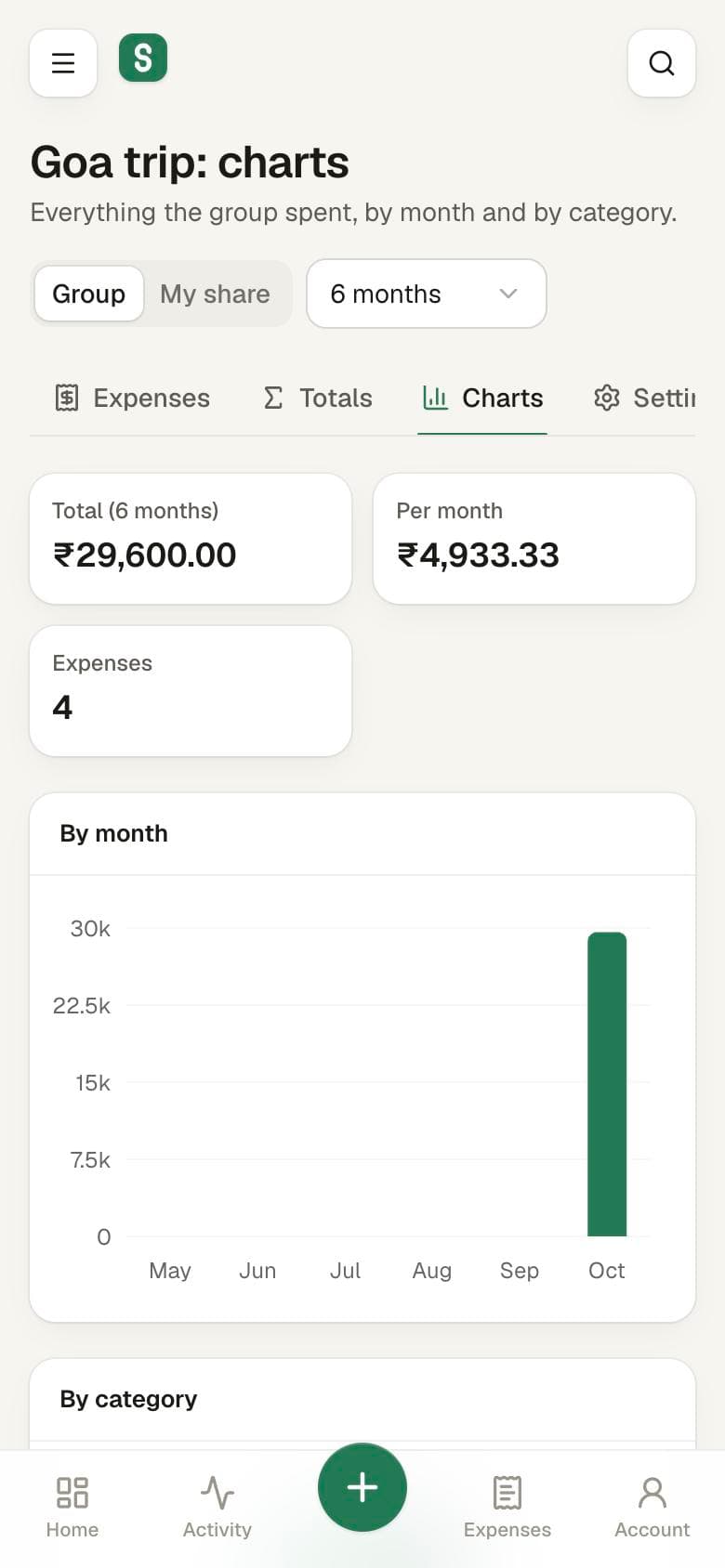
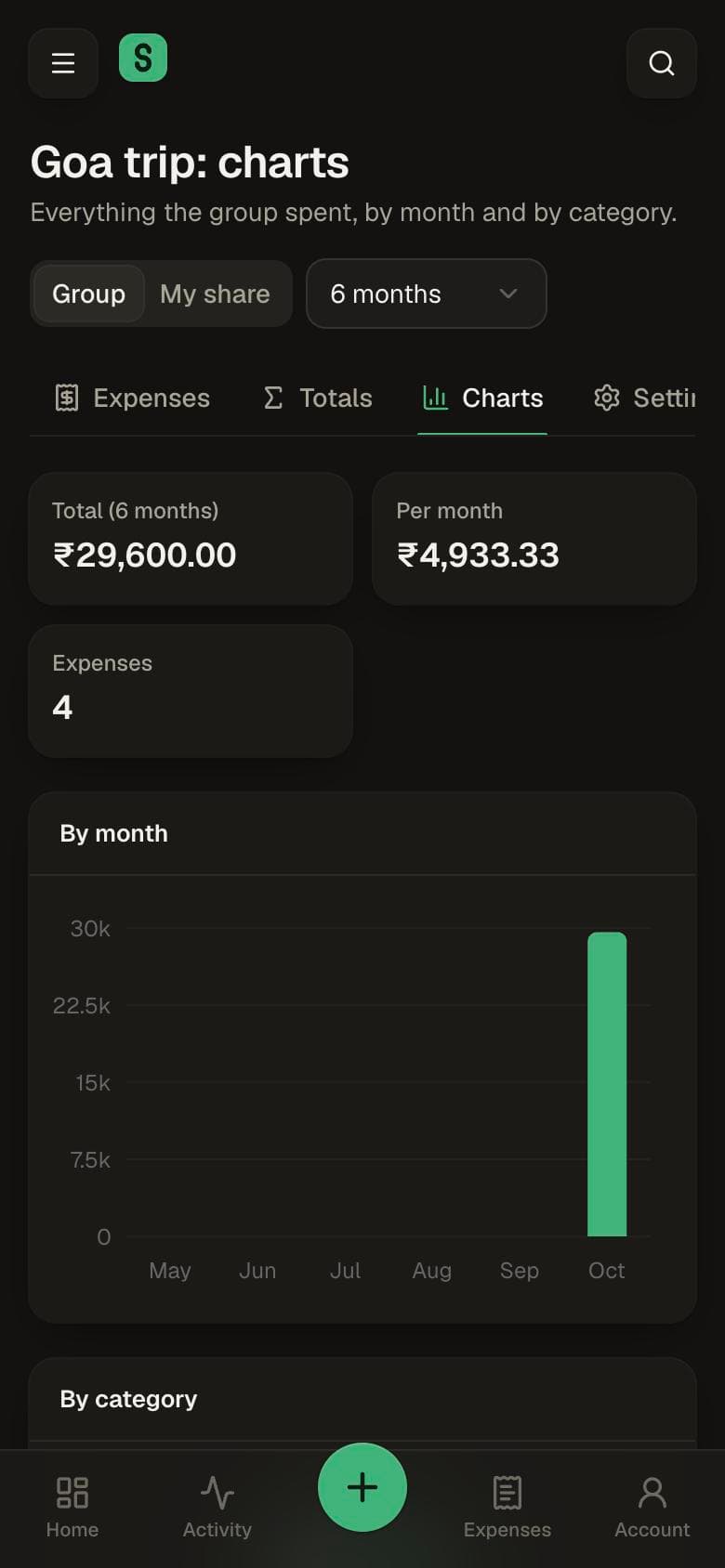
Real screens from the app. Pick one to look closer; they follow this site’s light and dark mode.

UnSplit: Group

The story

Why I built UnSplit

01The itch

A limit on how many expenses I could add

Splitwise is how my friends and I keep track of who paid for what. Then the free plan started capping how many expenses you can add in a day, and a trip with friends produces a lot more than that by lunch.

Receipt scanning, currency conversion, charts and search sit behind Pro too. None of it is complicated. It's all just maths over a list of expenses.

02The quest

Everything Splitwise Pro has, for everyone

The goal was simple: every feature Splitwise has, Pro included, free for everyone and for good. Unlimited expenses, every split method, itemized bills, receipts, conversion, charts, search and export.

I mapped the product from its help centre and public API docs, 27 screens in all, and built the core loop first: add a shared expense, see who owes whom, settle up. The first version, all 27 screens, shipped the same day.

03The hard part

Splitting is easy. Splitting correctly isn't.

Money has to add up to the paisa. When ₹1,000 is split three ways, someone has to own the extra paisa, every time, in the same way. Multiple payers, percentages that don't sum to 100, and balances across several currencies all have to come out exact.

Simplify debts collapses a web of who-owes-whom into the fewest payments. And like UnMoney, UnSplit works offline: writes go into a durable outbox and sync when you're back, without ever creating duplicates.

04Better together

Two apps that talk to each other

UnSplit and UnMoney share nothing but your Google account, yet they work as one. Pick the shared entries in UnMoney, tap Split, and UnSplit opens with them filled in. Save the split and UnMoney gets a link back to it.

One app knows what you spent, the other knows who you spent it with.

Nothing locked

What you get for free

Flip between Splitwise and UnSplit to see what stopped being a paywall.

6 paid ·

  • Unlimited expenses

    Paid

    Add as many as the trip needs. No daily cap.

  • Receipt scanning

    Paid

    Snap the bill; items, tax, tip, date and merchant are filled in.

  • Currency conversion

    Paid

    Convert a group to one currency; the original amounts are kept.

  • Charts and totals

    Paid

    Spending by month and by category, per group.

  • Search

    Paid

    Find any expense by description or note.

  • Itemized bills

    Paid

    Assign each item to the people who had it; tax and tip split in proportion.

  • Split methods

    Free

    Equal, exact, percent, shares, adjustment and reimbursement.

  • Simplify debts

    Free

    The fewest payments that settle the group.

Under the hood

How it’s built

An exact split engine

Integer minor units throughout, deterministic rounding, and multiple payers, verified by unit tests for every split method.

Offline outbox

Writes queue durably, temporary ids map to real ones on sync, and idempotency keys make replays safe after a reload.

Receipt scanning with Claude

Claude reads a photo of the bill and returns line items, tax, tip, date and merchant, ready to split item by item.

Realtime by default

Convex subscriptions mean a friend's new expense shows up on your screen the moment they save it.

  • React 19
  • TypeScript
  • Vite
  • Convex
  • Tailwind CSS 4
  • shadcn/ui
  • Framer Motion
  • Playwright
  • PWA

Better together with UnMoney

UnSplit knows who you spent with; UnMoney knows what you spent. Shared entries go from UnMoney to UnSplit and come back linked.

Read about UnMoney

Take UnSplit for a spin

Sign in with Google and it’s yours. Install it to your home screen and it works offline too. Found a bug or want a feature? Issues and PRs are welcome.

Join the conversation

Comments

Questions, ideas, bug reports or kind words: all welcome.