

All side quests

Side quest 01 · Started
Inspired by Money Manager

UnMoney

Money Manager, with every feature unlocked.

A personal money manager for the web. Log every rupee in a few taps, see where it went, and keep it in sync across devices, offline included. No paywall, no ads.

to sync every device
₹0
of signal needed to log a spend
0 bars
entries from your bank emails
Auto

Take the tour

Inside UnMoney

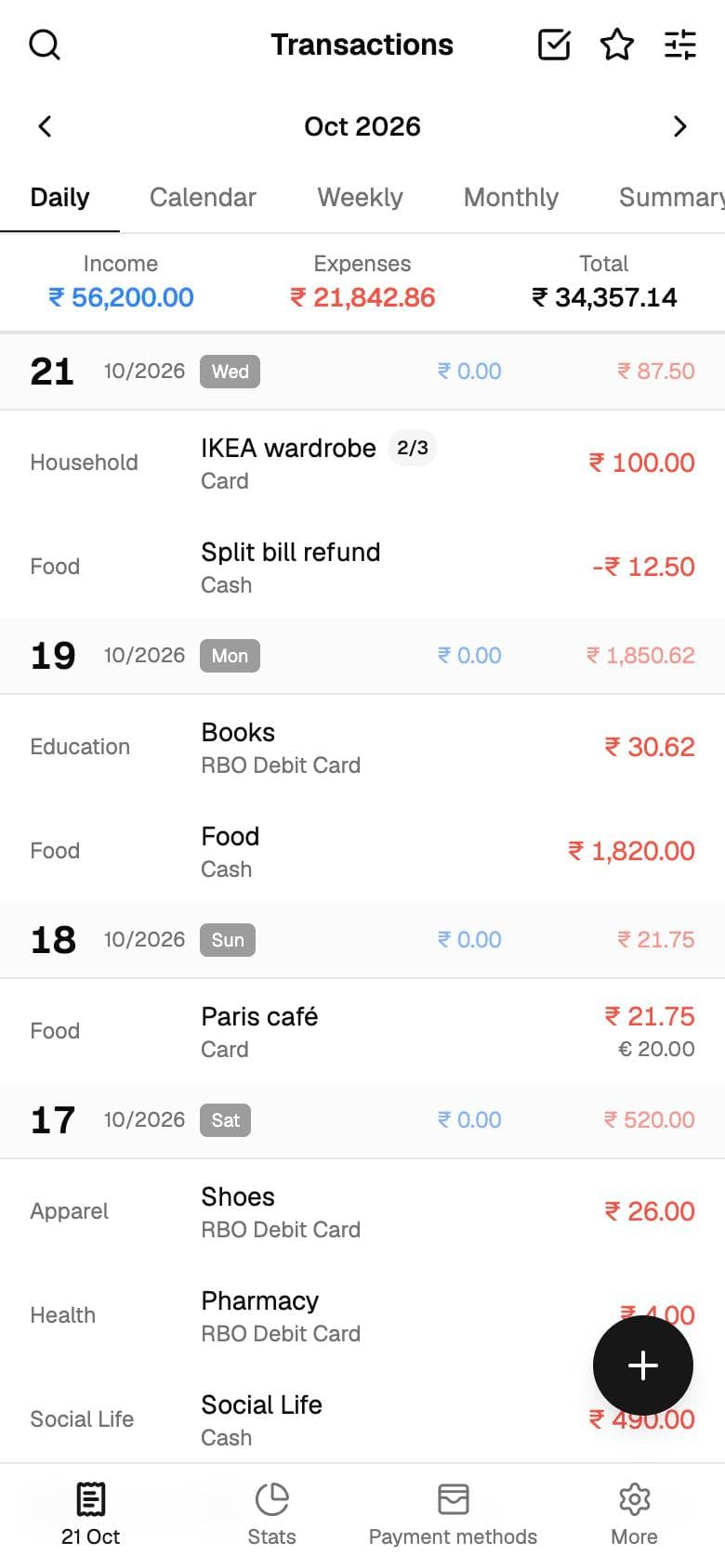
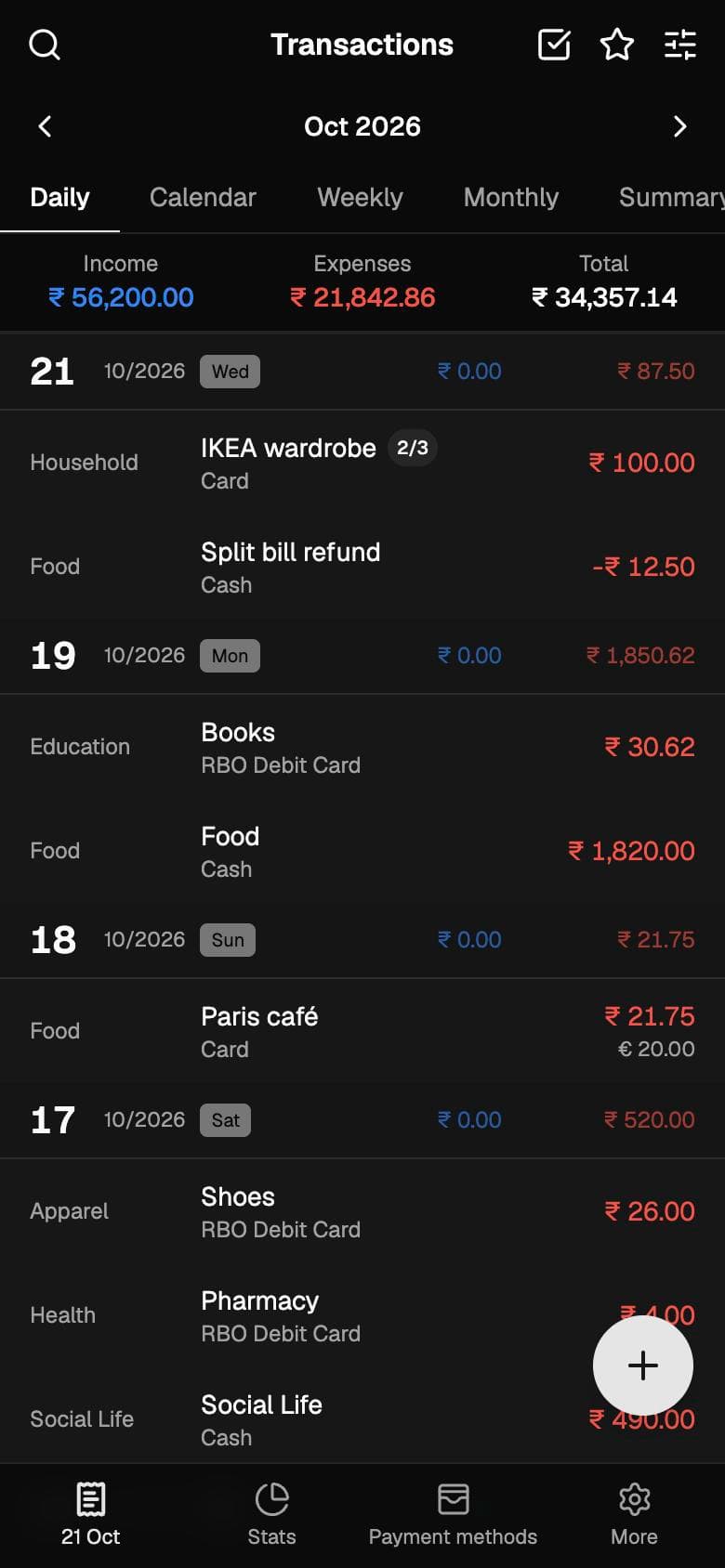
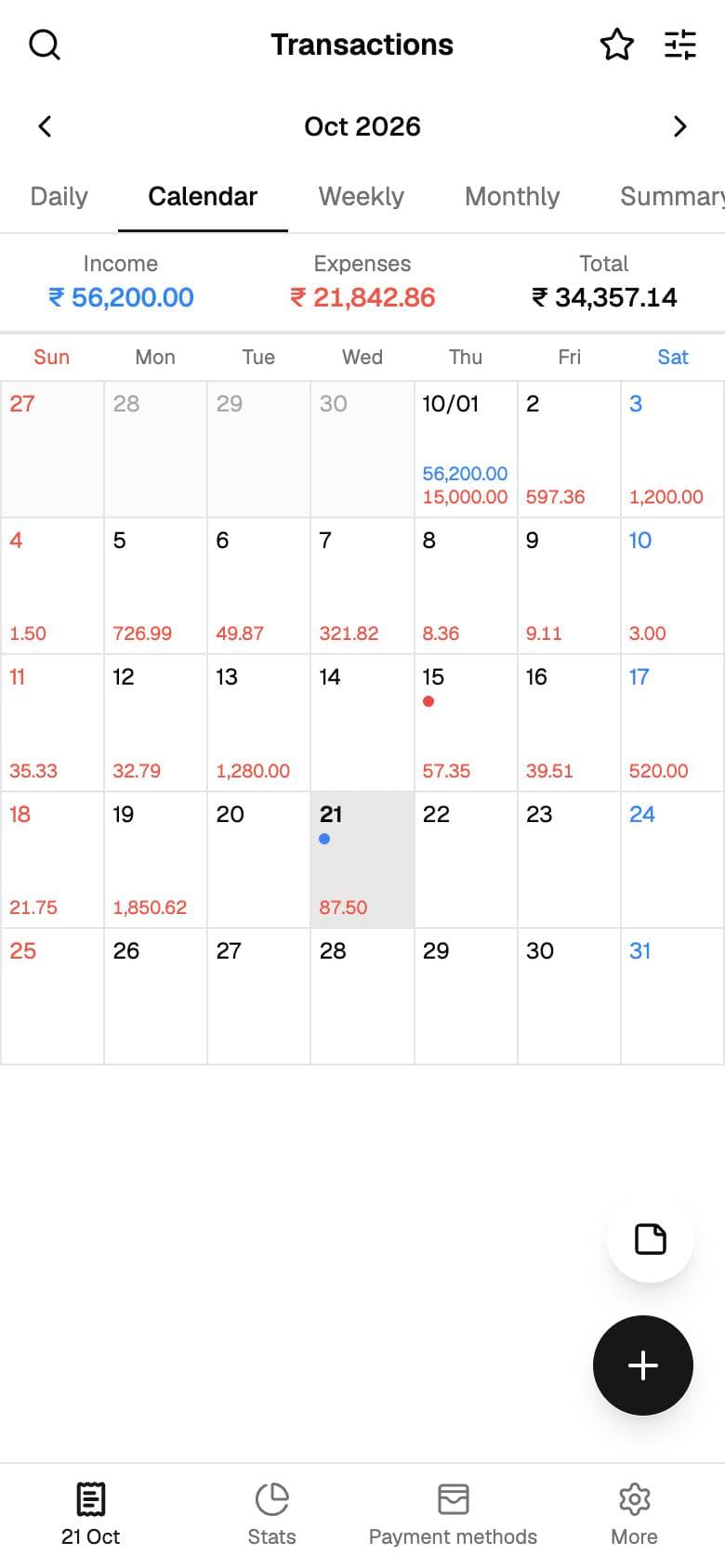
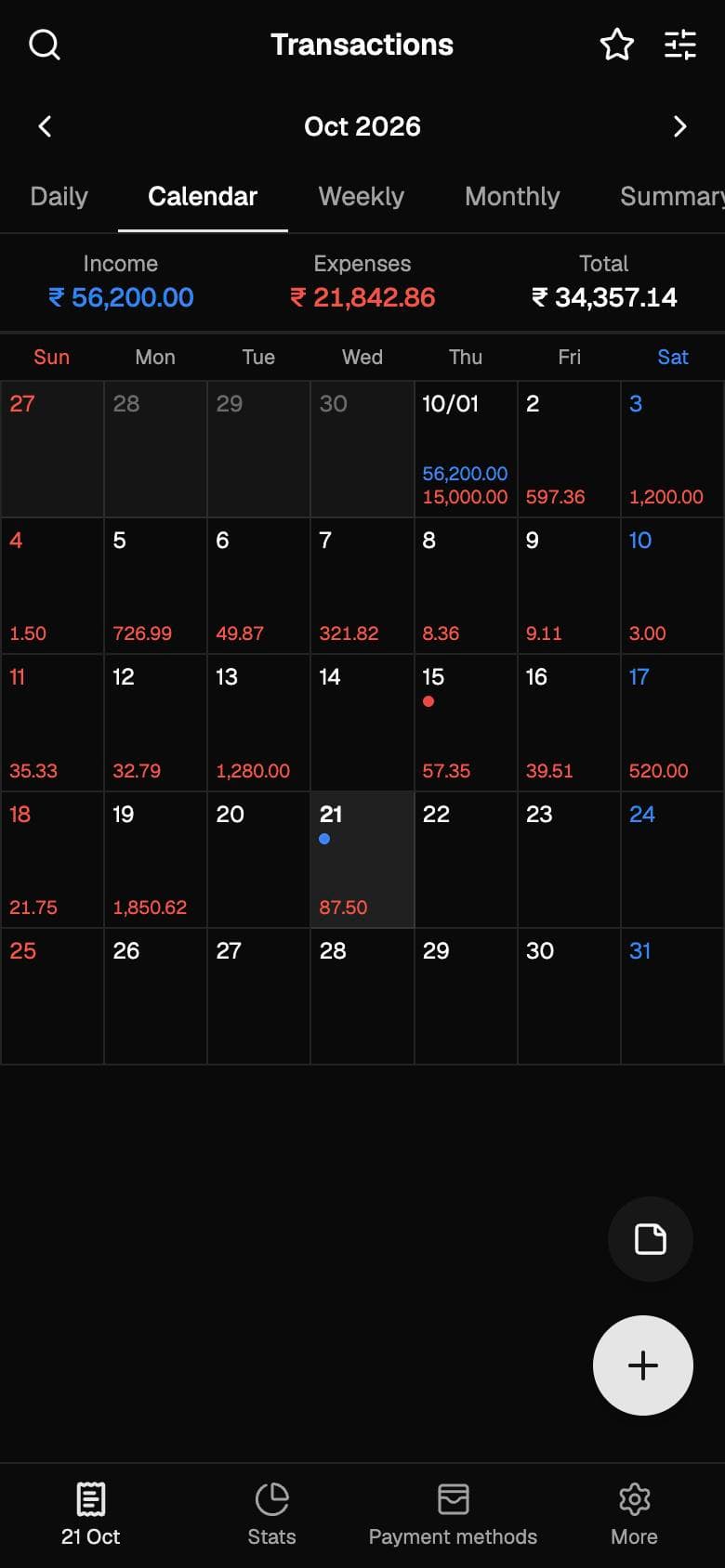
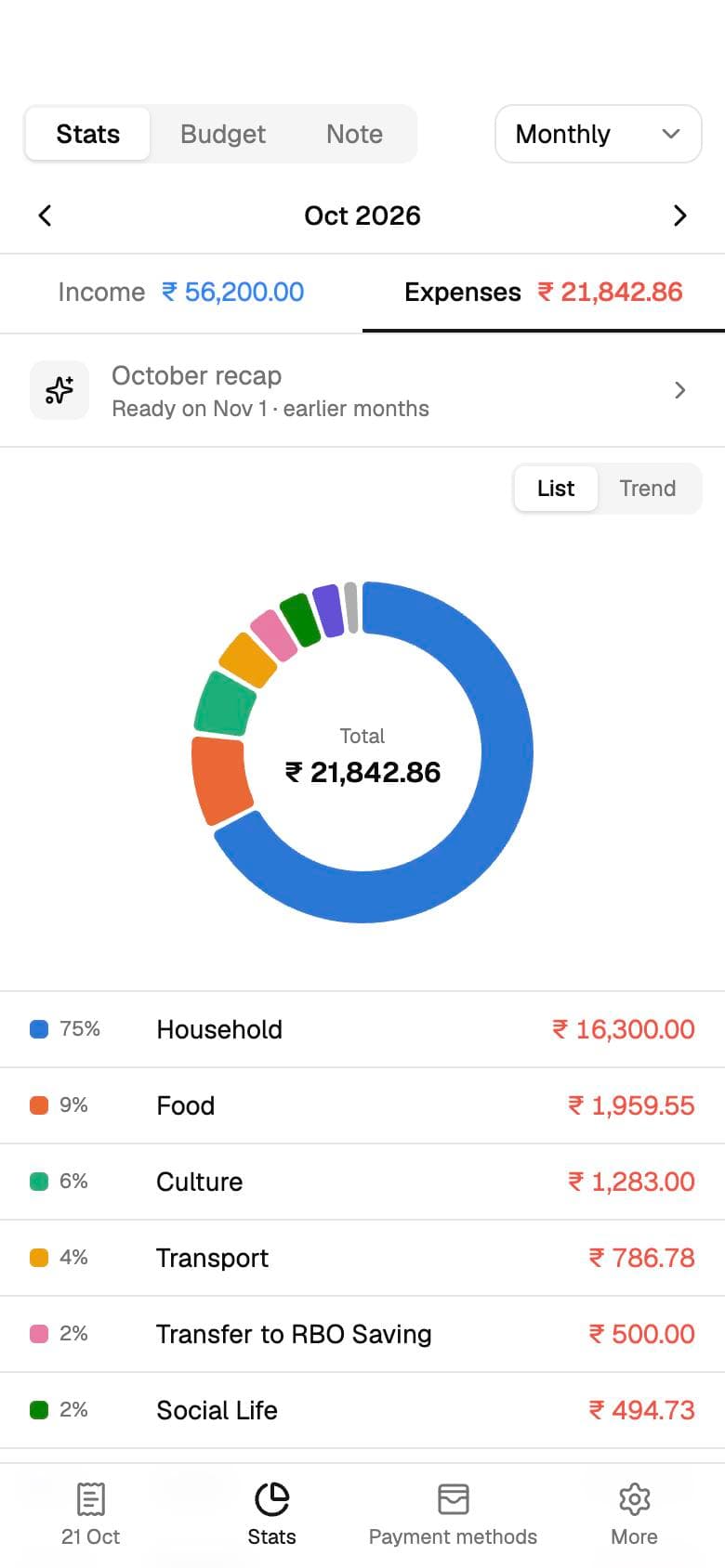
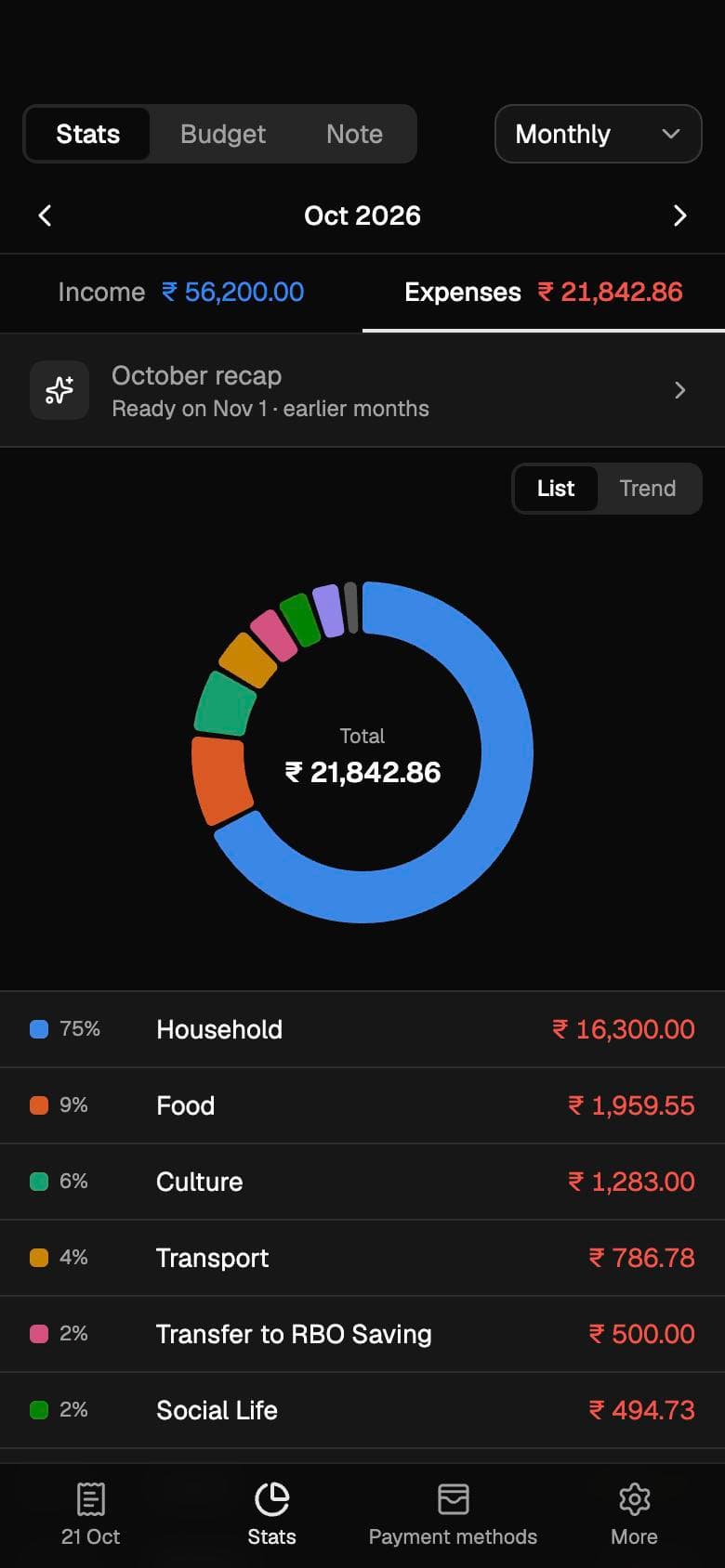
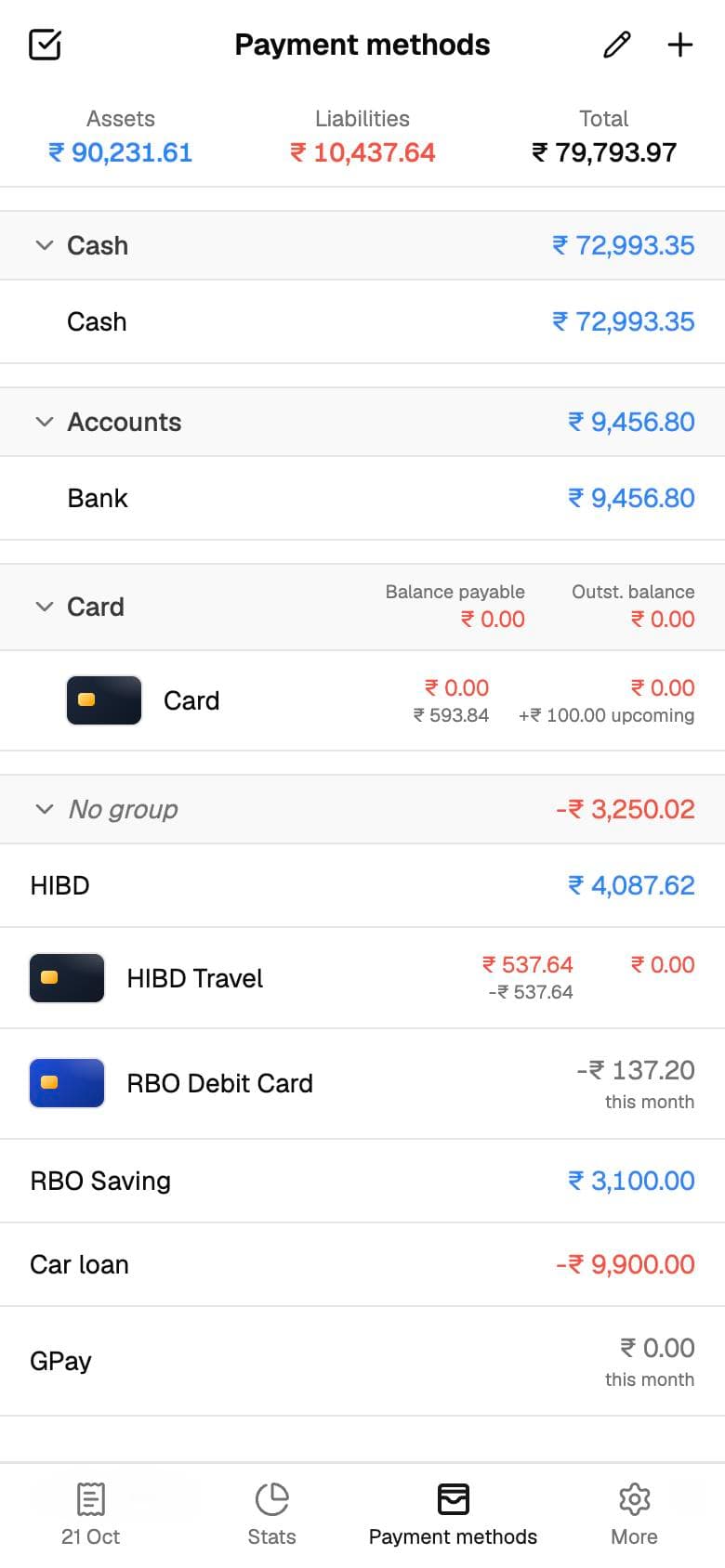
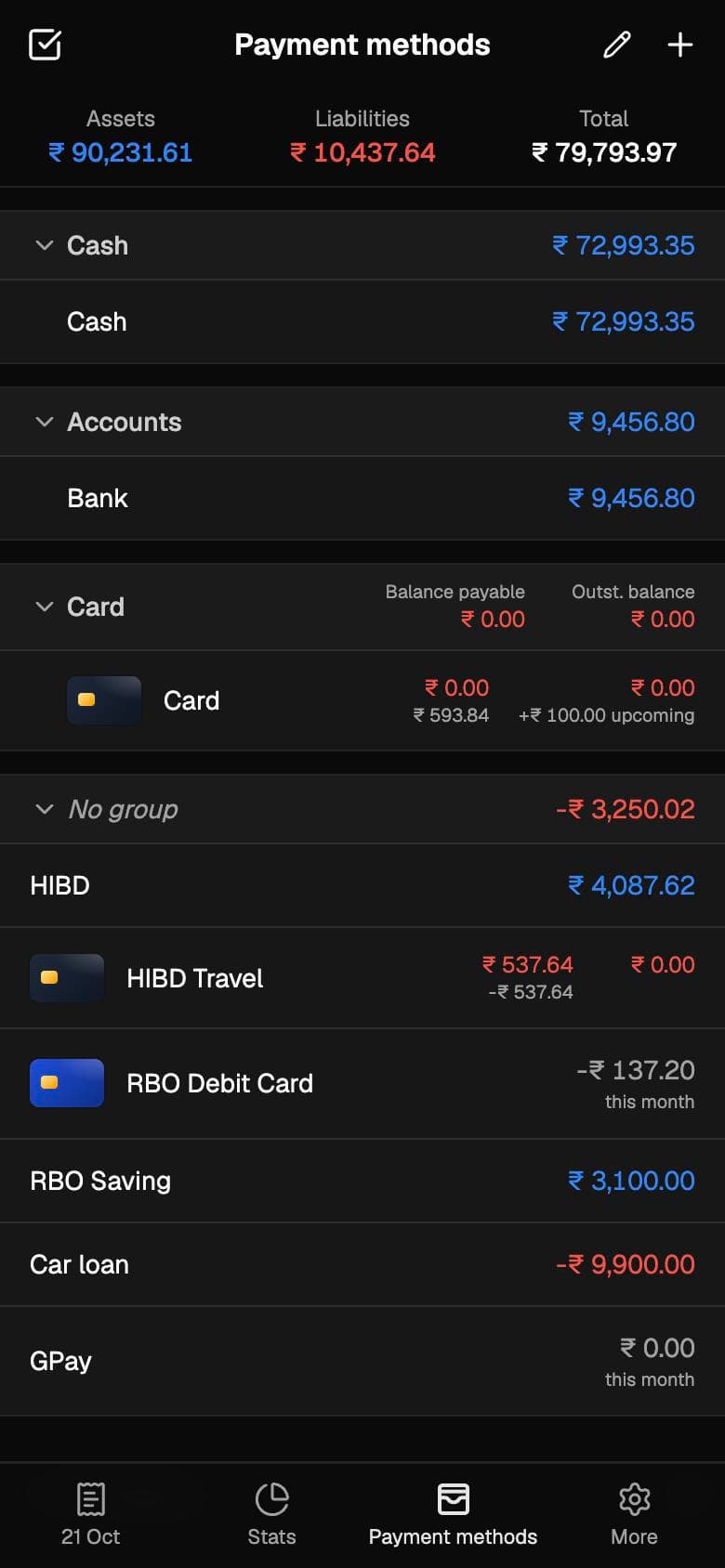
Real screens from the app. Pick one to look closer; they follow this site’s light and dark mode.

UnMoney: Daily ledger

The story

Why I built UnMoney

01The itch

Five years, every single day

For the last five years, Realbyte's Money Manager has been the first app I open after I spend anything, and I've loved every bit of it. Logging a spend takes seconds, the daily ledger makes sense at a glance, and the stats tell me exactly where my money went.

Two things kept nagging me, though. The biggest was the ads: every coffee I logged started with looking past a banner. The other was that the app had stopped growing. I wanted features that would take the effort out of recording my spends, so I wasn't typing every single one in by hand, and they never came.

02The quest

Keep everything I love, lose the ads

So I gave myself a side quest: rebuild Money Manager from scratch, keep every screen and habit I'd grown used to over five years, and leave out the ads entirely. As a web app, it would run on my phone and my laptop alike, and nothing in it would sit behind a paywall.

I started by mapping the original screen by screen from its help centre, store listings and changelogs: every view, every flow, and a feature list ranked by what mattered. That map became the checklist I built against.

03The hard part

Making it work with no signal

A money app you can't open in a basement or on a flight isn't much use, so UnMoney never waits for the network. Every screen renders from a copy of your data in IndexedDB, and every change is applied locally first and queued.

The same reducer runs in the browser and on the server, so a queued change means the same thing in both places. The queue drains in order once you're back online, and a change the server rejects is undone and explained instead of silently dropped.

04Beyond the original

Spends that record themselves

Then came the feature I'd wanted for years. My bank already emails me about every payment, so why was I typing them in again? Gmail sync reads those mails and turns them into draft entries on the right day. Tap one to check it, save it, and it's in the ledger. Nothing counts until you say so.

Moving over took minutes: export from Money Manager, share the file to UnMoney, review the dry run, done. And when a spend is shared, UnMoney hands it to UnSplit and gets the split back.

Nothing locked

What you get for free

Flip between Money Manager and UnMoney to see what stopped being a paywall.

4 paid, 2 not available ·

  • Sync across devices

    Paid

    Phone, laptop and tablet stay in step through Convex, in real time.

  • Unlimited accounts

    Paid

    Cash, banks, cards, loans and wallets: as many as you need.

  • Desktop editing

    Paid

    The whole app in a browser tab, with lists and details side by side.

  • No ads

    Paid

    Not one banner, ever.

  • Budgets

    Free

    Total and per category, weekly, monthly or yearly, with per-period overrides.

  • Repeats and installments

    Free

    Rent, salary and subscriptions add themselves; EMIs count down.

  • Gmail sync

    Not available

    Bank and card mails become draft entries. Nothing counts until you save it.

  • Split with friends

    Not available

    Hand shared entries to UnSplit and get a link back to the split.

Under the hood

How it’s built

Offline-first sync engine

A local replica in IndexedDB, a durable op queue, and one shared reducer that runs on both client and server. Last writer wins per op.

Scales past Convex's read limits

Ops load only the entries they touch, and bulk actions are split into chunks of 500, so a ledger with years of history still syncs.

Gmail parsing with rules, then Claude

Known bank formats are parsed by rules; Claude reads the rest. Tokens are stored encrypted and mail bodies are never stored.

Money Manager import

Reads its Excel, CSV and TSV exports, works out date and number formats from the file itself, and shows a dry run before importing anything.

  • React 19
  • TypeScript
  • Vite
  • Convex
  • Tailwind CSS 4
  • shadcn/ui
  • Framer Motion
  • Recharts
  • PWA

Better together with UnSplit

Paid for dinner? Select the entries in UnMoney, tap Split, and they open in UnSplit ready to share. The expense comes back linked.

Read about UnSplit

Take UnMoney for a spin

Sign in with Google and it’s yours. Install it to your home screen and it works offline too. Found a bug or want a feature? Issues and PRs are welcome.

Join the conversation

Comments

Questions, ideas, bug reports or kind words: all welcome.