

All side quests

Side quest 02 · Started
An original idea

Trove

Your photo library, by the day it was taken.

A native macOS app for browsing the photos, videos, audio and PDFs on your disk, organised by the date they were captured. It finds faces, places and the text inside your photos, all on your Mac, 100% offline.

uploads, accounts or trackers
0
ways to browse: date, places, people
3
to download
5.6 MB

Take the tour

Inside Trove

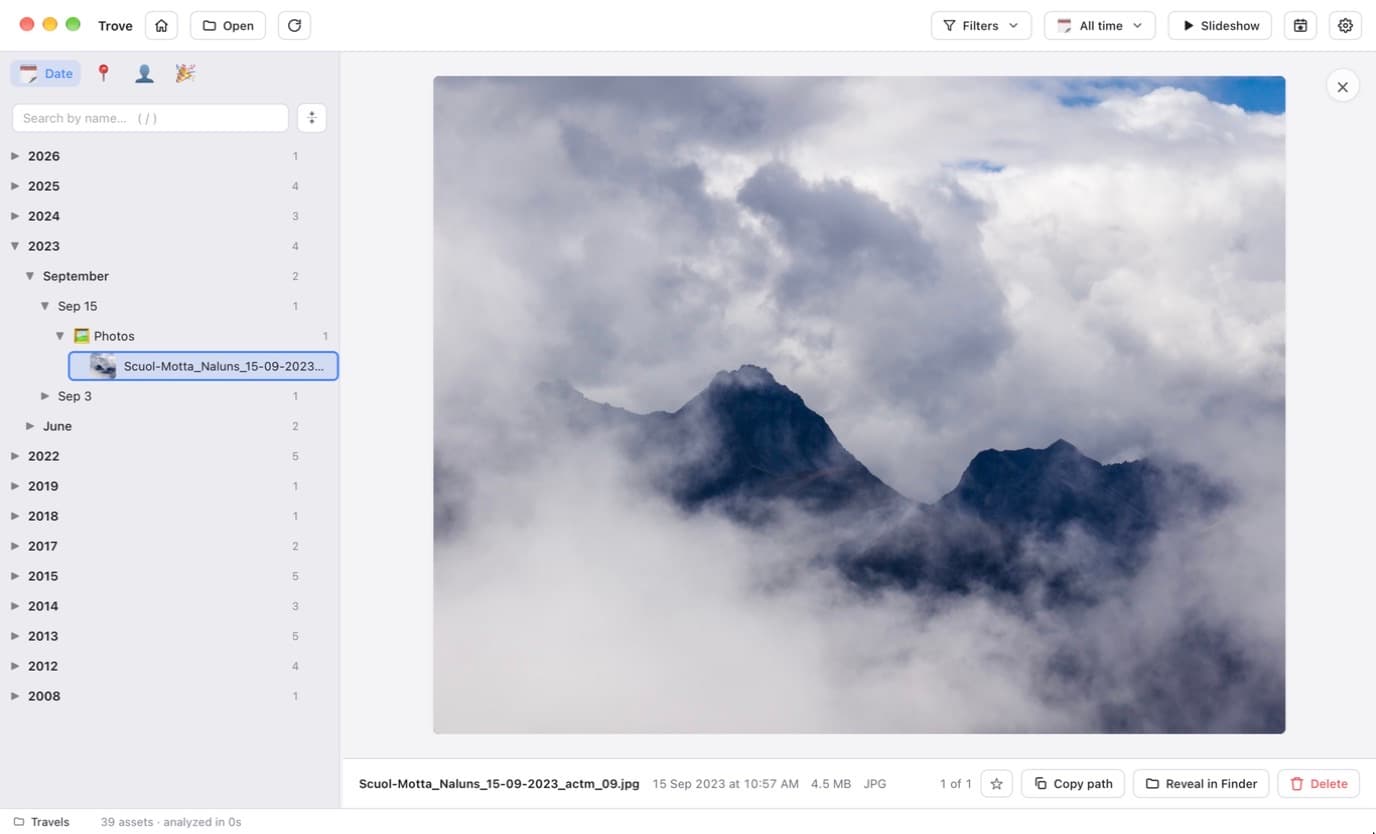
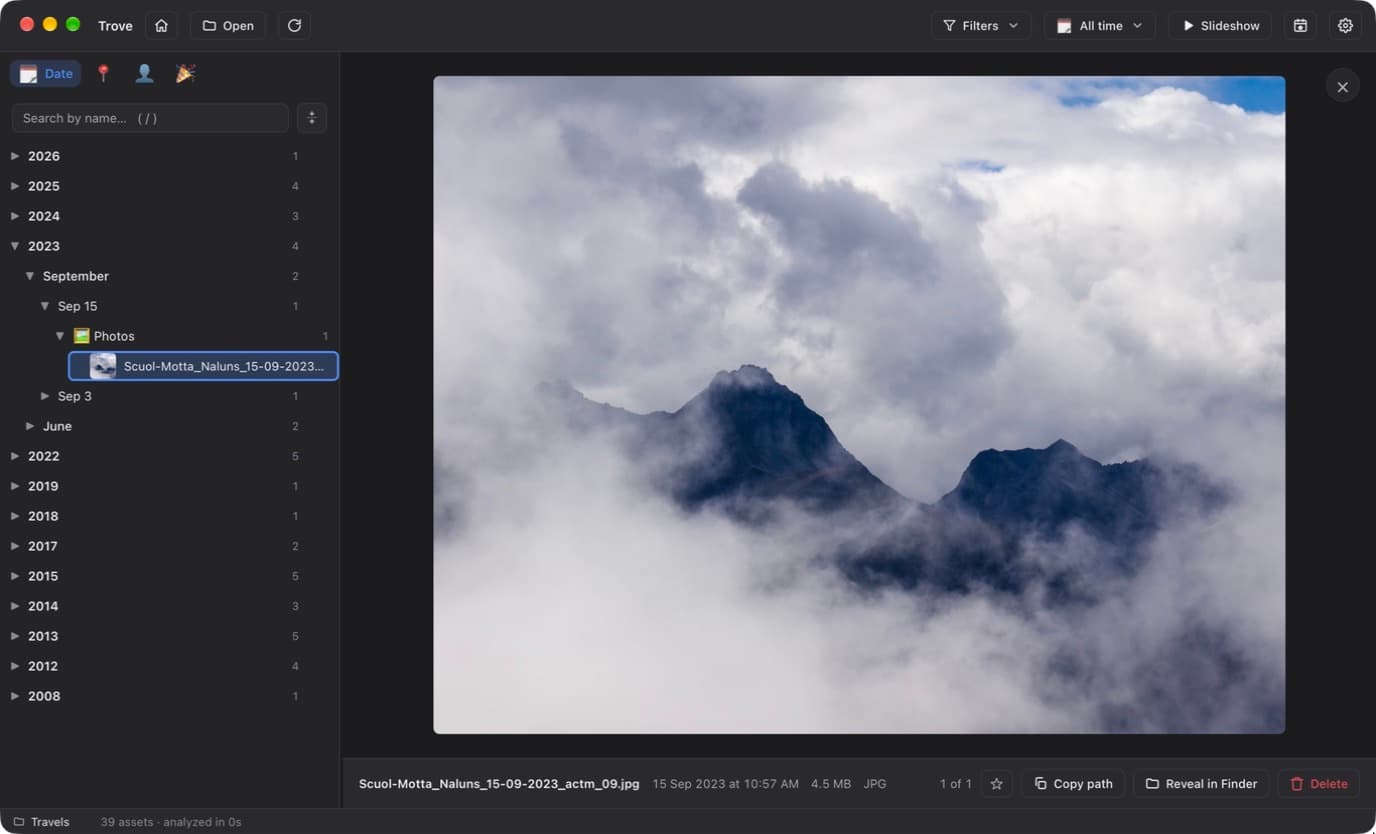
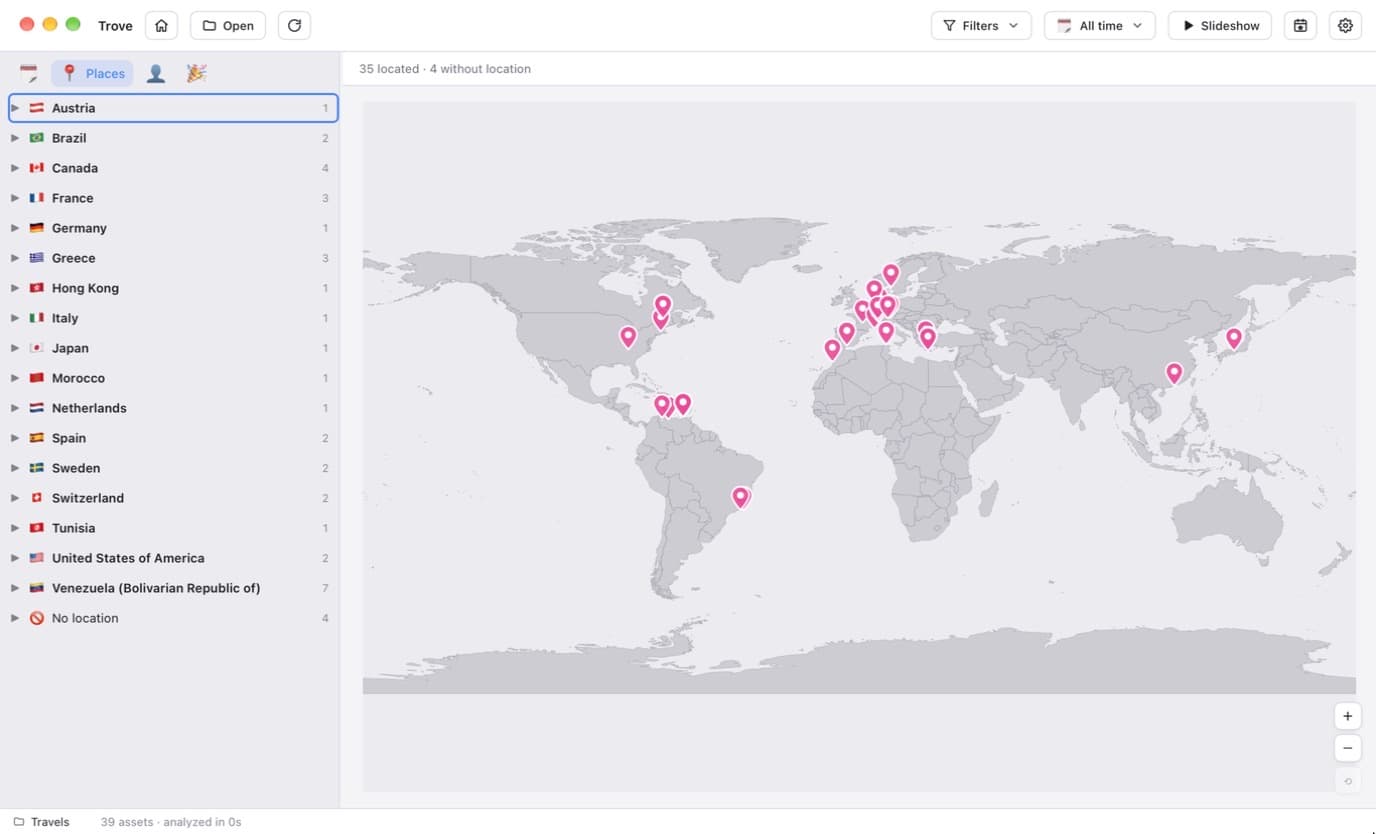
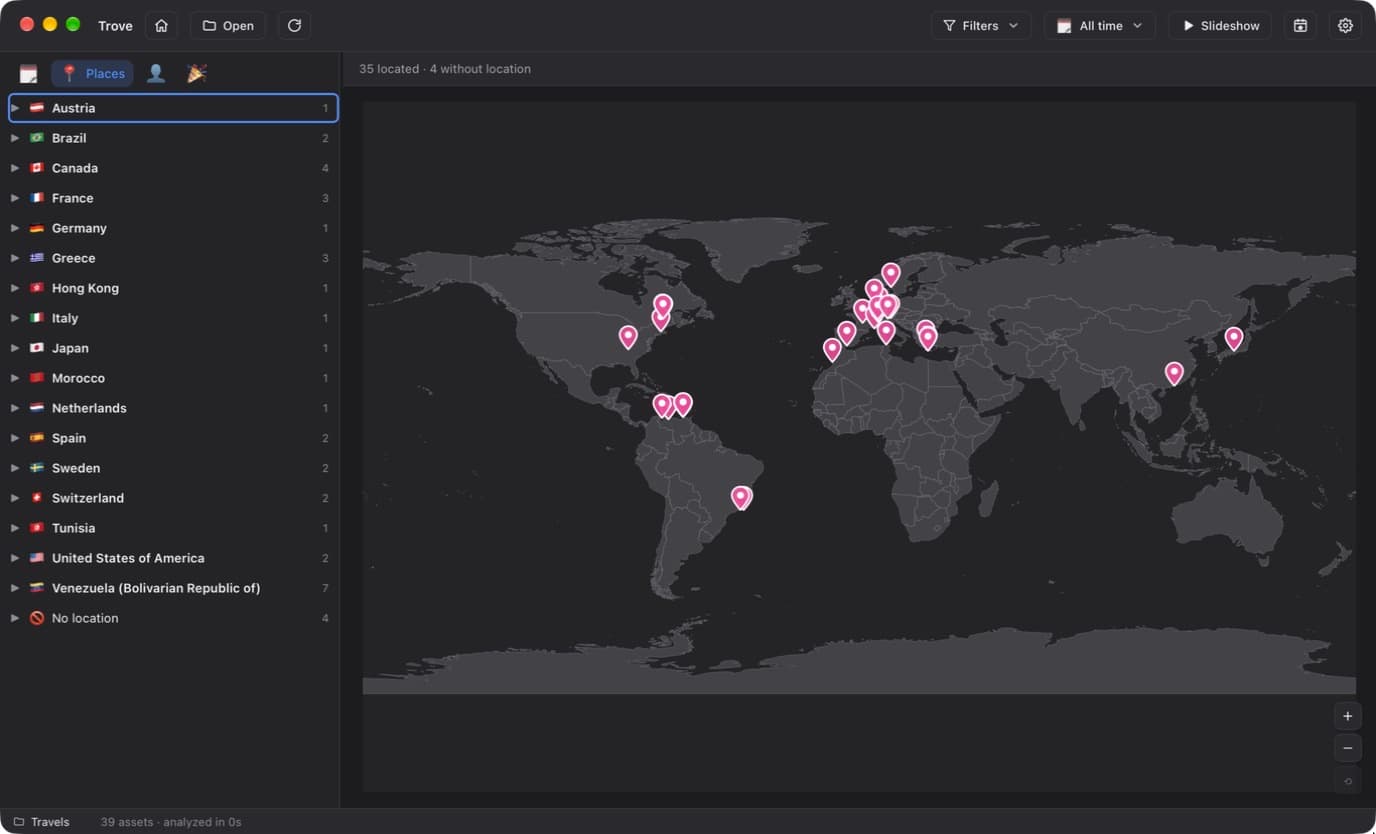
Real screens from the app. Pick one to look closer; they follow this site’s light and dark mode.

Trove: Date tree

The story

Why I built Trove

01The itch

Thousands of photos on an SSD, in no order at all

It started with thousands of photos and videos on an SSD, in no useful order.

The first fix was Gallery Sorter, a small Rust command-line tool that reads each file's real capture date and copies everything into tidy Year / Month / Day folders.

02The quest

Browse by date, without moving a single file

Copying files into folders works once. Trove skips the copying: point it at any folder or drive and it indexes everything into a date tree you can browse, while your originals stay exactly where they are, untouched.

The first version took two days and 78 commits: the date tree, previews and filters on day one, then places, scene labels, text search and people on day two.

03The hard part

Smart, but never online

Trove tags scenes, reads the text in screenshots and groups faces into people you can name. All of it runs through Apple Vision on your Mac. Nothing is uploaded, ever.

Places had to work offline too, so GPS tags are turned into a country and city with no network call, and the world map ships inside the app.

04The detail

A library that travels with its folder

Favourites, people's names and the analysis cache can live in a hidden .trove folder inside your media folder. Plug the drive into another Mac and Trove opens it straight away, with no re-analysis.

Under the hood

How it’s built

A Rust core with a SQLite index

Rust walks the disk, keeps a SQLite index and does the heavy lifting, so the virtualised tree stays smooth with tens of thousands of files.

Capture-accurate dates

EXIF DateTimeOriginal for photos and the moov/mvhd header for MP4 and MOV, falling back to the file's modified time.

Apple Vision, on device

A Swift helper runs scene labelling, text recognition and face detection, then clusters faces into people you can name and merge.

Native rendering

Tauri renders in macOS's own WebKit, so HEIC photos and HEVC videos play without converting them first.

  • Tauri 2
  • Rust
  • SQLite
  • Swift
  • Apple Vision
  • React 18
  • TypeScript
  • TanStack Virtual

Take Trove for a spin

Download the DMG for Apple Silicon Macs (macOS 11 or later), drag Trove into Applications, and point it at a folder. It isn't notarised yet, so the release page shows how to open it the first time.

Join the conversation

Comments

Questions, ideas, bug reports or kind words: all welcome.